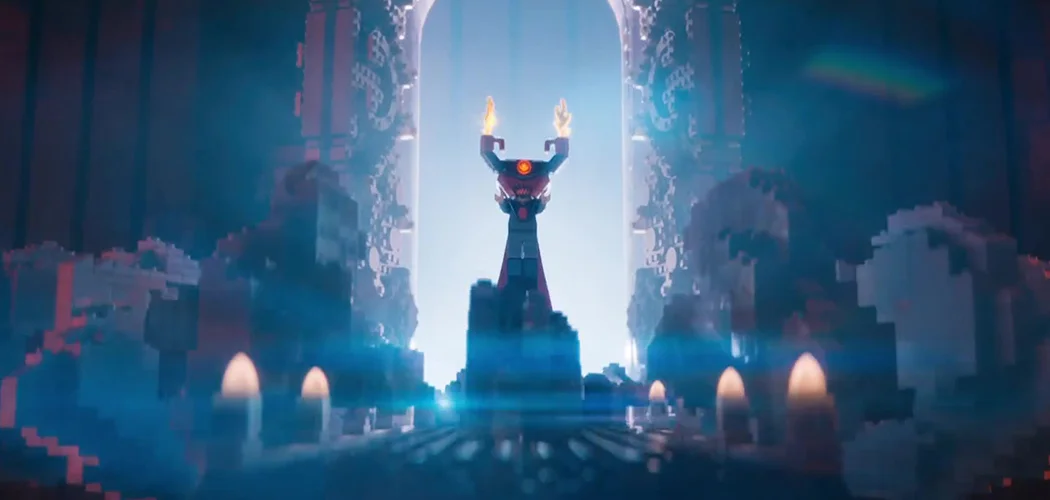
Nice article by Mike Seymour about Lego Batman over at FXGuide
https://www.fxguide.com/featured/the-batman-movie-keeping-it-real/

Nice article by Mike Seymour about Lego Batman over at FXGuide
https://www.fxguide.com/featured/the-batman-movie-keeping-it-real/
This is a talk I've done a couple of times for the Academy of Motion Picture Arts & Sciences. At NAB 2014, ACES Day at the Academy, and finally at Siggraph 2015. It's about ACES in VFX and Animation, specifically on the original Lego Movie at Animal Logic.
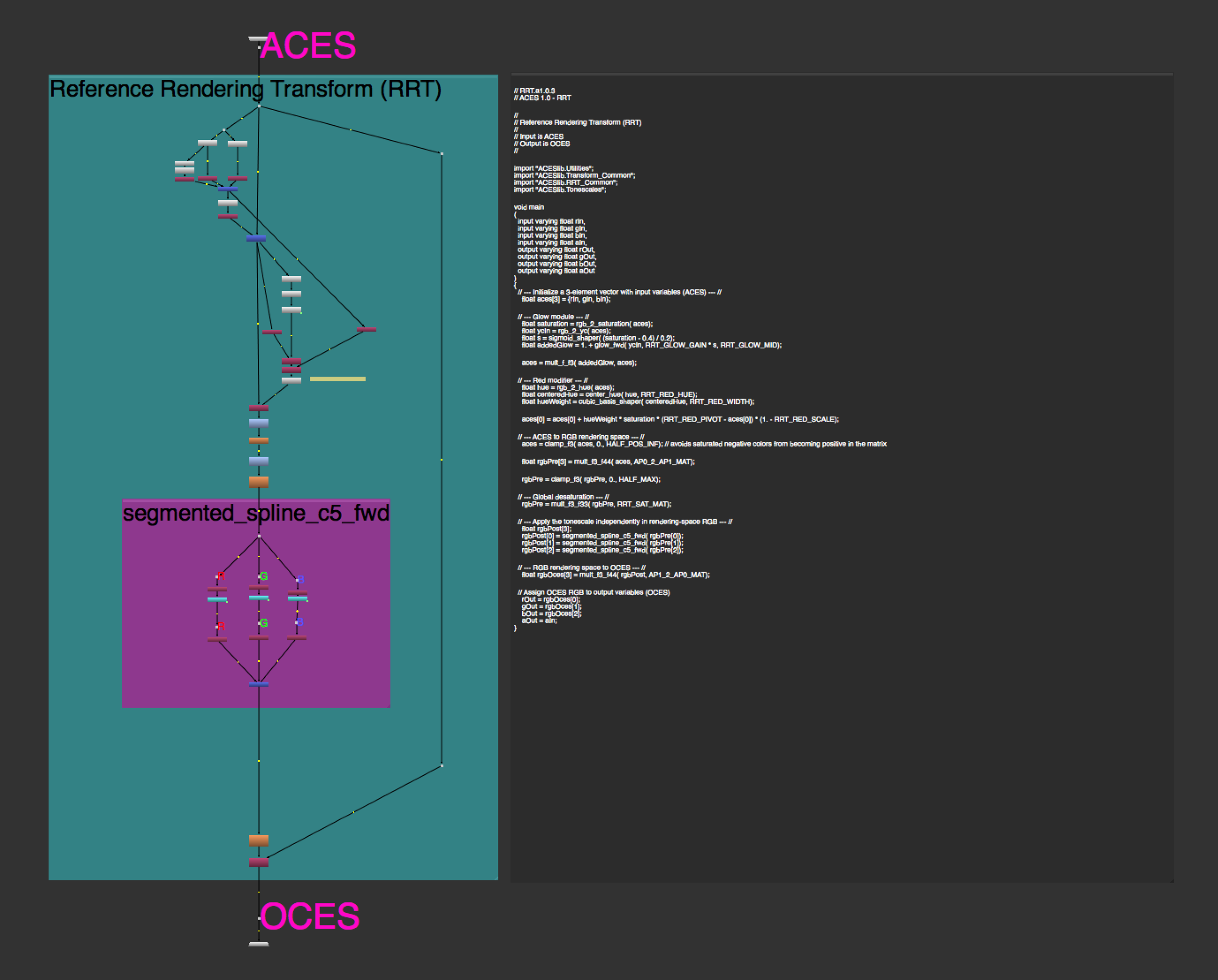
As part of the process of chasing down some technical gremlins in an ACES colour pipeline, I've recently had the need to develop a pure Nuke implementation of the ACES RRT and P3D60 ODT. This is a line by line reimplentation of the CTL code in ACES 1.0.3.
These nodes serve two purposes. They provide a way to render code based versions of the RRT and ODT in Nuke, with a 100% match to a pure CTL implementation. And provide a much easier way to visualise and understand the guts of the ACES Display Transform system.
They're not as fast or flexible as using the LUTs within the OCIO config, but they're a few orders of magnitude faster than ctlrender, and much easier to integrate into a Nuke workflow.
With normally exposed images, especially from live action cameras, you're unlikely to see any values that render differently to the OCIO config, but with CG images containing extreme intensity and saturation you will see more pleasing roll off and desaturation.
Right now I've only implemented the RRT and P3D60 ODT, and only in the forward direction. But in the future I may implement more.
FXGuide.com have done a write up on the Stereo 360 project I worked on at Animal Logic last year.
http://www.fxguide.com/quicktakes/animal-logic-goes-360/
Criag Welsh, Lighting Supervisor and my immediate Boss on the Lego Movie, was interviewed about the cinematography of the Lego Movie. There are some details about one of my proudest contributions to the film, LegoLens, which was the optical effects package I put together that was applied to pretty much every CG shot in the film.
The Foundry brought me to London to talk a little bit about Nuke Studio at their live launch event. I run through some hypothetical colour workflows, mainly about pulling grade data back up the pipe, and waffle a little bit on dealing with spherical video for VR. The video can be found below.
Something that comes up a lot in Colour work is using 3x3 matricies to convert from one RGB colourspace to another RGB space, or more commonly to XYZ space.
Typically these matricies come from a technical document, or from a tool like Nuke's Colorspace node. But sometimes, for whatever reason, you need to convert from some new arbitray space, and working out what that matrix should be is a bit of a pain.
Luckly, Ryan Juckett put up some excellent documentation on how to do it. Previously I'd just filed it under "black art practiced by dudes who use MatLab". By Ryan's walk through was nice and clear.
http://www.ryanjuckett.com/programming/rgb-color-space-conversion
So, I've bolted together a little Nuke node with a callback to automatically take a set of RGB & W Yxy primaries and create a 3x3 matrix to convert from an RGB image with those primaries and whitepoint to XYZ. Or from XYZ back to an RGB image.
I may add a graphical mode at some point, but for now just manually punch the values in.
Just copy grab the script below, and let me know if you find it useful (or if you run into any bugs). PrimariesToXYZ_v001.nk